ReRender AI for Construction Site Planning
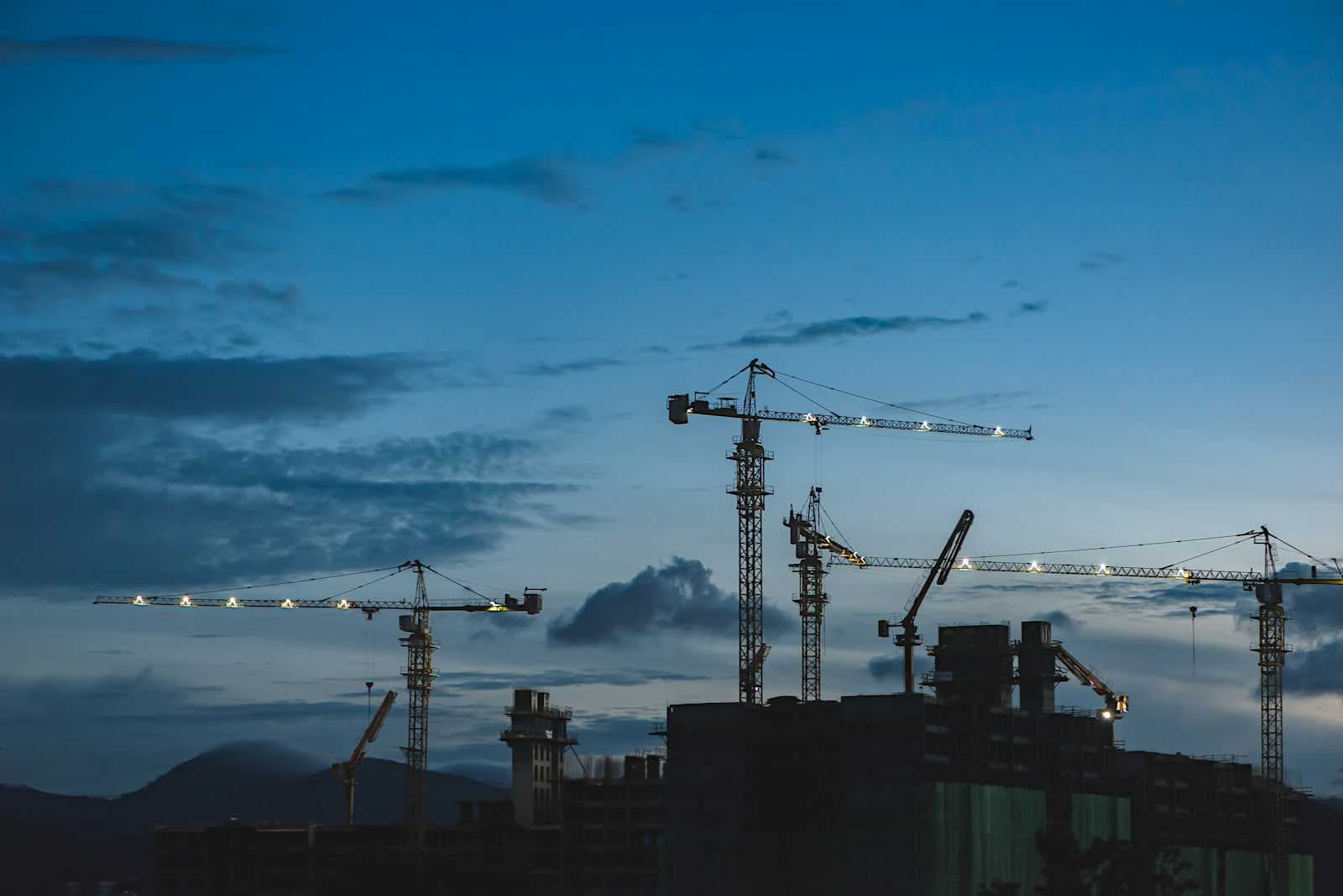
The construction industry is rapidly evolving, with Artificial Intelligence (AI) playing an increasingly important role in optimizing processes and improving efficiency. AI is being used to enhance various aspects of construction, from planning and design to safety and resource management1. One such AI-powered tool is ReRender AI, an innovative platform designed to create photorealistic renders of architectural designs. While its primary application lies in architectural visualization, its capabilities extend to various aspects of construction site planning. This article explores the features, benefits, limitations, and costs associated with using ReRender AI for construction site planning.
To gather the information presented in this article, a comprehensive research process was conducted. This involved:
Identifying the key features of ReRender AI relevant to construction site planning2.
Exploring case studies and examples of how ReRender AI has been used in real-world construction projects.
Determining the cost and pricing structure of ReRender AI for construction site planning3.
Analyzing reviews and comparisons of ReRender AI with other aerial view rendering software or service providers.
Investigating the limitations and challenges of using ReRender AI for construction site planning.
AI in Construction
AI is transforming the construction industry by offering solutions that improve efficiency, safety, and decision-making. Some of the key benefits of AI in construction include:
Cost Savings: AI can help reduce project costs by up to 20% by optimizing resource allocation and minimizing waste4.
Efficiency: AI-powered tools automate time-consuming tasks, such as progress tracking and risk assessment, leading to faster project completion4. AI can also compress project timelines by up to 40%4.
Safety: AI enhances safety by identifying potential hazards and enabling proactive risk mitigation4.
Improved Decision Making: AI provides comprehensive data analysis, enabling better-informed decisions throughout the construction process4.
Features of ReRender AI for Construction Site Planning
ReRender AI offers a range of features that can be beneficial for construction site planning:
| Feature | Benefits for Construction Site Planning |
| Photorealistic Rendering | Generates high-quality, realistic images from architectural designs, enhancing presentations and client engagements with visually striking outputs. This allows stakeholders to visualize the final project with accurate lighting, colors, and materials, facilitating better communication and understanding. Helps in visualizing site layouts, material choices, and potential conflicts2. |
| Versatile Design Compatibility | Compatible with widely used design tools such as AutoCAD, Blender, and Sketchup, making it a versatile tool for various architectural workflows. Supports multiple design software5. |
| User-Friendly Interface | Boasts an intuitive interface that is accessible to professionals with varying levels of technical expertise. This ease of use allows construction planners to quickly generate renders without extensive training2. |
| AI-Powered Tools | Offers AI-powered tools like the "magic wand" icon for special functionalities, enhancing convenience and creative flexibility2. |
| Sketch to Render | Allows users to generate renders from sketches, providing a quick and efficient way to visualize initial design concepts7. |
| AI Assistant | Provides guidance and assistance throughout the rendering process, helping users optimize their designs and achieve desired results7. |
| Image to 3D | Allows users to create 3D models from images, facilitating the integration of existing site photos or architectural drawings into the rendering process8. |
| Generative Fill | Fills in missing parts of images, enabling users to complete or enhance their designs with AI assistance8. |
| Design Styles | Supports a variety of architectural styles, including modern, neo-gothic, Tudor, Baroque, Ancient Chinese, Industrial Chic, and more, catering to diverse design preferences5. |
| Environmental Settings | Provides a wide range of environmental settings, allowing users to customize the context of their renders and visualize how the project integrates with the surroundings5. |
| Virtual Staging | Includes a virtual staging feature, enabling users to visualize the interior spaces with furniture and décor, aiding in space planning and design5. |
Case Studies and Examples
While specific case studies focusing solely on ReRender AI for construction site planning are limited, the use of AI in construction planning is growing. ReRender AI, with its capabilities for various building types and architectural styles, can be applied in diverse construction projects:
Residential Architecture: ReRender AI can be used to visualize single-family homes, aiding in design refinement and client presentations9.
Commercial Architecture: ReRender AI can help visualize office buildings, retail spaces, and other commercial projects, facilitating better communication and understanding among stakeholders9.
Urban Planning and Public Spaces: ReRender AI can assist in urban planning and design by visualizing how new structures like parks or transportation hubs will integrate into the cityscape9.
Educational and Healthcare Facilities: ReRender AI can be used to plan and present designs for schools and hospitals with realistic renders that communicate the project's potential9.
Specialized Structures: ReRender AI supports the rendering of train stations, factories, and other specialized structures, catering to a wide range of construction projects5.
Cost and Pricing
ReRender AI offers subscription-based options with monthly fees to accommodate various user needs9. The platform offers two main subscription plans:
Team: $45 per month. This plan is suitable for small teams or individuals needing flexible AI tools with collaboration and privacy features3.
Pro: $38 per month. This plan is designed for professionals seeking efficiency, scalability, and premium features with priority support3.
Users can visit the ReRender AI pricing page for the latest details9.
Reviews and Comparisons
ReRender AI has received mixed reviews. Some users appreciate its user-friendly interface and speed in generating renders2. Others find its creative elements limited and its ability to interpret prompts underwhelming10.
Compared to other AI rendering platforms, ReRender AI is considered a simple platform with a wide range of predefined styles11. It supports numerous architectural styles, including Neo-Gothic, Tudor, Baroque, Ancient Chinese, Industrial Chic, and more5. However, it may lack some of the environmental details and flexibility offered by other platforms like Fabri AI, M&L, or Proi11.
Limitations and Challenges
While ReRender AI offers valuable features for construction site planning, it also has limitations:
Limited Customization: ReRender AI may have limited customization options compared to other AI rendering software2. Users might need manual tweaking for complex geometries to ensure accurate representation2.
Platform-Specific Limitations: ReRender AI has compatibility limitations, primarily supporting AutoCAD, Blender, and Sketchup5. This might restrict its use for projects utilizing other design software.
Learning Curve: Despite its user-friendly interface, ReRender AI might still have a learning curve, especially for users unfamiliar with AI rendering tools2.
ReRender AI and Sustainability
AI plays a crucial role in promoting sustainable construction practices. ReRender AI can contribute to sustainability by enabling better visualization and planning of eco-friendly designs. By accurately rendering building materials and environmental features, ReRender AI allows architects and construction planners to assess the environmental impact of their designs and make informed decisions to minimize waste and optimize energy efficiency12.
ReRender AI for Real-Time Collaboration
ReRender AI can be a valuable tool for collaborative design and decision-making among project stakeholders. Its user-friendly interface and cloud-based platform facilitate real-time collaboration, allowing architects, engineers, and construction planners to share designs, provide feedback, and make revisions efficiently. This collaborative approach can lead to better communication, faster iteration cycles, and improved project outcomes13.
Conclusion
ReRender AI is a promising tool for construction site planning, offering photorealistic rendering, versatile design compatibility, and a user-friendly interface. Its ability to generate high-quality visualizations can enhance communication, improve decision-making, and contribute to more efficient and sustainable construction practices. However, it's essential to consider its limitations, such as limited customization options and platform-specific compatibility.
ReRender AI holds a unique position in the broader context of AI in construction. While other AI tools focus on specific tasks like scheduling, risk assessment, or resource management, ReRender AI specializes in visual communication and design exploration. By integrating ReRender AI with other AI-powered construction tools, construction professionals can create a comprehensive and efficient workflow that optimizes all stages of the construction process.
For construction planners considering ReRender AI, it is recommended to thoroughly evaluate its features, costs, and reviews against other available options to determine its suitability for their specific needs. Factors to consider include the complexity of the project, the desired level of customization, and the compatibility with existing design software. By carefully assessing these factors, construction planners can make informed decisions and leverage the power of ReRender AI to enhance their construction site planning processes.
Works cited
1. AI in Construction: Challenges and Limitations - PlanHub, accessed January 14, 2025, https://planhub.com/resources/ai-in-construction-challenges-and-limitations/
2. ReRender AI Review: Features, Pros, and Cons - 10Web, accessed January 14, 2025, https://10web.io/ai-tools/rerender-ai/
3. Service Costs - ReRender AI, accessed January 14, 2025, https://rerenderai.com/support/pricing
4. From Blueprints to Reality: AI for Construction Site Planning and Optimization - Keymakr, accessed January 14, 2025, https://keymakr.com/blog/from-blueprints-to-reality-ai-for-construction-site-planning-and-optimization/
5. ReRender AI And 3 Other AI Alternatives For Building design, accessed January 14, 2025, https://theresanaiforthat.com/ai/rerender-ai/
6. ReRender AI Review - Instant Photorealistic Renders - automateed.com, accessed January 14, 2025, https://automateed.com/rerender-ai-review/
7. ReRender and render using AI - Archsynth, accessed January 14, 2025, https://www.archsynth.com/ai-rendering/re-render-and-render-using-ai-for-architects
8. Archsynth - convert your Architecture sketches to render in seconds using AI, accessed January 14, 2025, https://www.archsynth.com/
9. ReRender AI: Instant Photorealistic Renders for Architects & Designers | Deepgram, accessed January 14, 2025, https://deepgram.com/ai-apps/rerender-ai
10. ReRender AI - Realistic Architectural Renders for AutoCAD/Blender Users : r/Architects, accessed January 14, 2025, https://www.reddit.com/r/Architects/comments/139l042/rerender_ai_realistic_architectural_renders_for/
11. 6 FREE AI ARCHITECTURE RENDERING Tools Compared | Step-by-Step Guide - Yeschat, accessed January 14, 2025, https://www.yeschat.ai/blog-6-FREE-AI-ARCHITECTURE-RENDERING-Tools-Compared-StepbyStep-Guide-6269
12. How AI can curtail large-scale construction challenges, accessed January 14, 2025, https://construction-today.com/news/how-ai-can-curtail-large-scale-construction-challenges/
13. The Role AI Will Play in the Construction Industry - ProContractor Supply, accessed January 14, 2025, https://procontractorsupplyinc.com/blogs/news/the-role-ai-will-play-in-the-construction-industry